

撰写了文章 更新于 2017-07-12 10:12:38
Unity2D-PingPong开发实例一
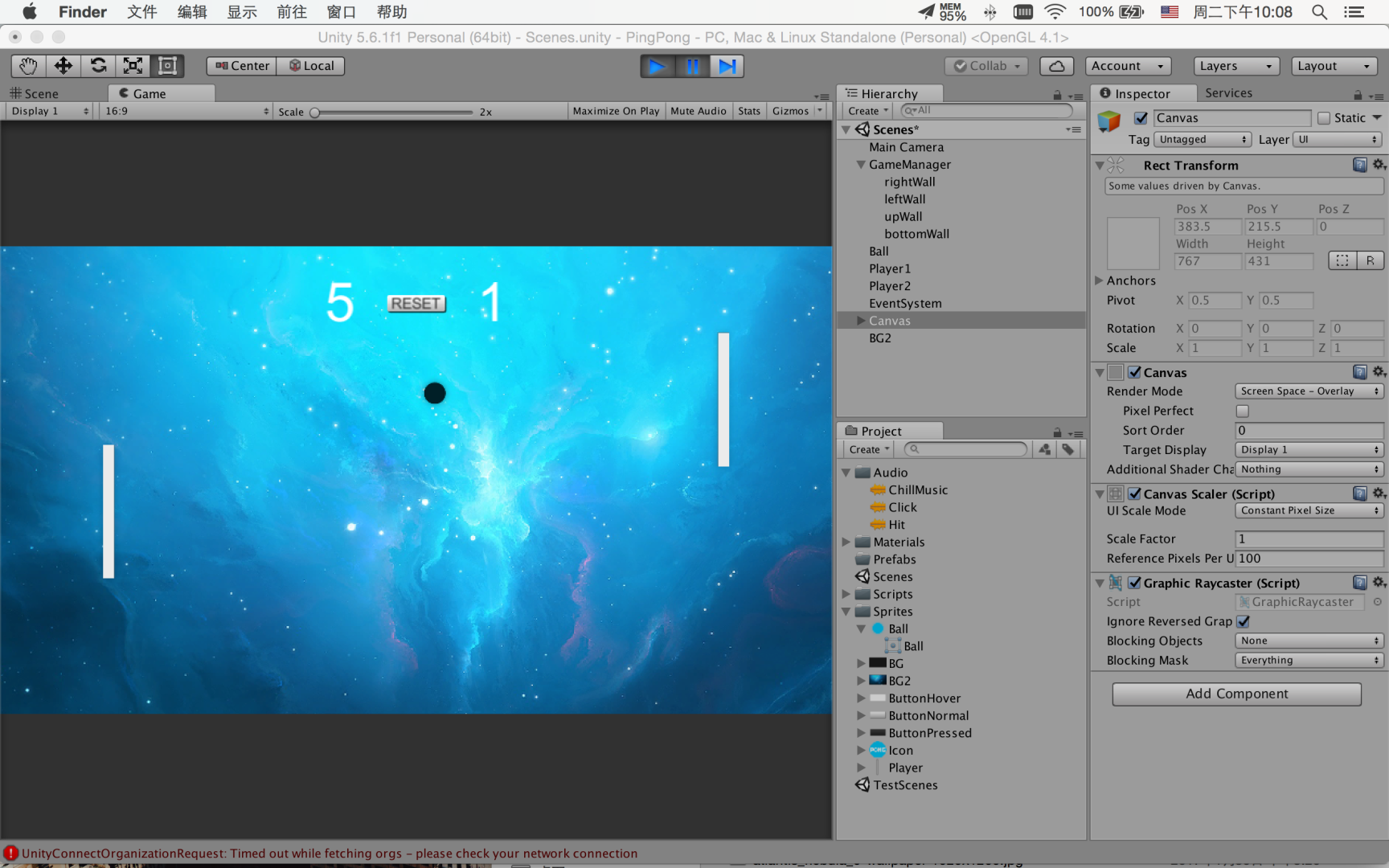
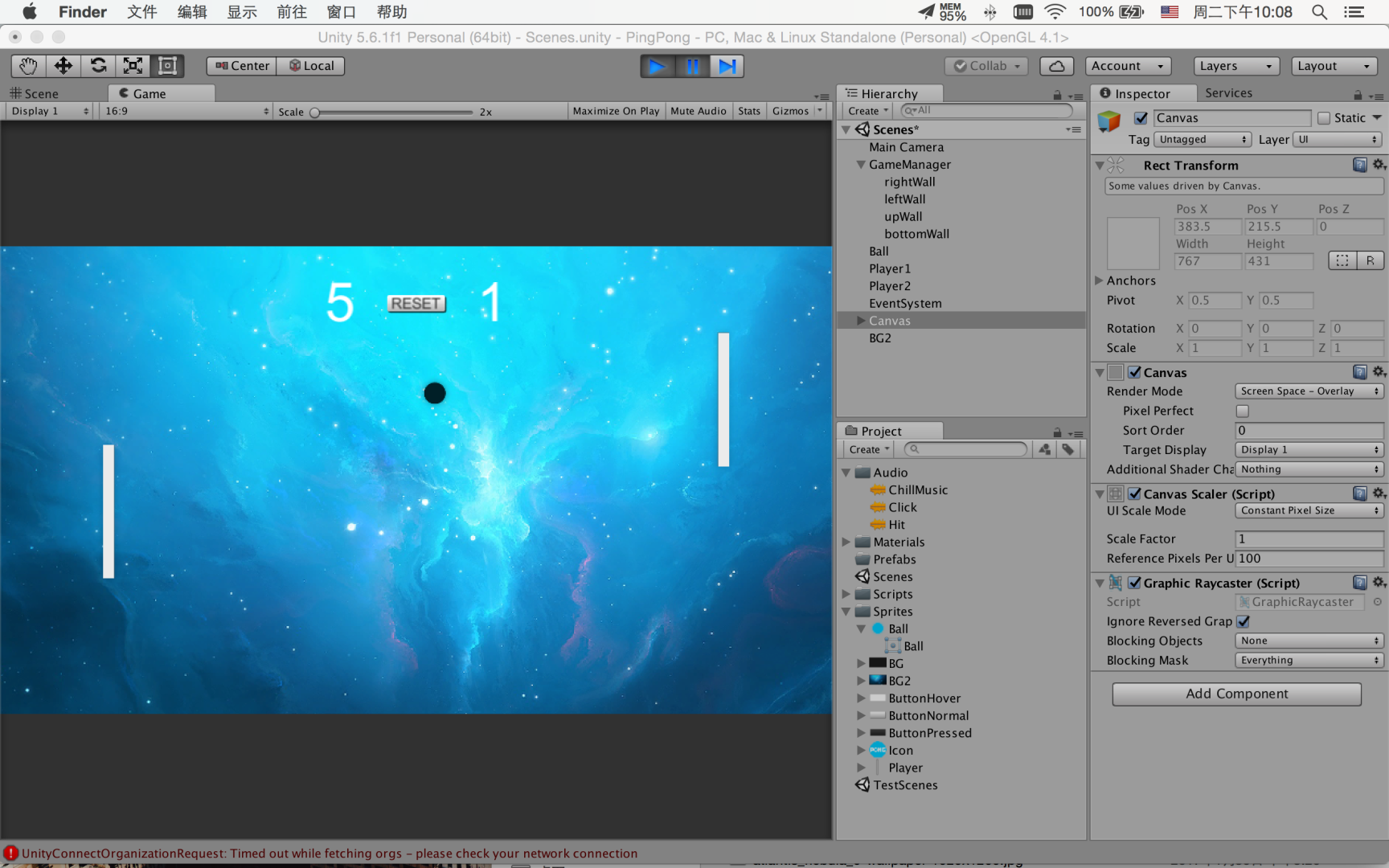
游戏概述
通过两块仅能上下移动的挡板互相击打小球未接到小球者使对方获取一分
背景创建
导入常用Sprites包括球体碰撞声音、背景、球体等。
Camera Size调整并使背景覆盖整个视野。
Layer层更改Sorting Layer层添加。另 Order in Layer负责控制相同图层的不同层级数字越大则图层越前。
创建主角Blank
PlayerAdd BoxCollider2D, Add Rigidbody2D
Set Gravity Scale→0
Constraints: z/x
插入一段Collision Detection:
刚体物件使用默认discrete即可continuous类型更加消耗性能。且当RigidBody类型为Sphere/Capsule/Box collider时默认调用discrete检测类型

添加Blank移动脚本
public KeyCode upKey;
public KeyCode downKey;
public float speed;    //Blank移动速度

void Update()
    {
        if (Input.GetKey(upKey))
        {
            GetComponent().velocity = new Vector2(0, speed);
        }
        else if (Input.GetKey(downKey))
        {
            GetComponent().velocity = new Vector2(0, -speed);
        }
        else
        {
            GetComponent().velocity = new Vector2(0, 0);
        }
    }
拖拽并创建Prefabs
添加围墙
Create Empty: leftWall/rightWall/upWall/BottomWall. Add BoxCollider2D
Rename→GameManager,移入围墙碰撞
Add Script
private BoxCollider2D rightWall,leftWall,upWall,bottomWall;

void ResetWall()
{
rightWall=transform.Find("rightWall").GetComponent();
//Finds a child by name and returns it.
leftWall = transform.Find("leftWall").GetComponent();
upWall = transform.Find("upWall").GetComponent();
bottomWall = transform.Find("bottomWall").GetComponent();


Vector3 tempPosition = Camera.main.ScreentoWorldPoint(new Vector2(Screen.width,Screen.height));
//从屏幕空间到世界空间的变化。屏幕空间左下角为(0,0)。该处tempPosition指代屏幕右上角的世界空间坐标


upWall.transform.position = new Vector3(0,tempPosition.y+0.5f,0);
upWall.size = new Vector2(tempPosition.x*2,1);
bottomWall.transform.position = new Vector3(0,-tempPosition.y-0.5f,0);
bottomWall.size = new Vector2(tempPosition.x*2,1);
leftWall.transform.position = new Vector3(-tempPosition.x-0.5f,0,0);
leftWall.size = new Vector2(1,tempPosition.y*2);
rightWall.transform.position = new Vector3(tempPosition.x+0.5f,0,0);
rightWall.size = new Vector2(1,tempPosition.y*2);
}


void Start()
{
ResetWall();
}